
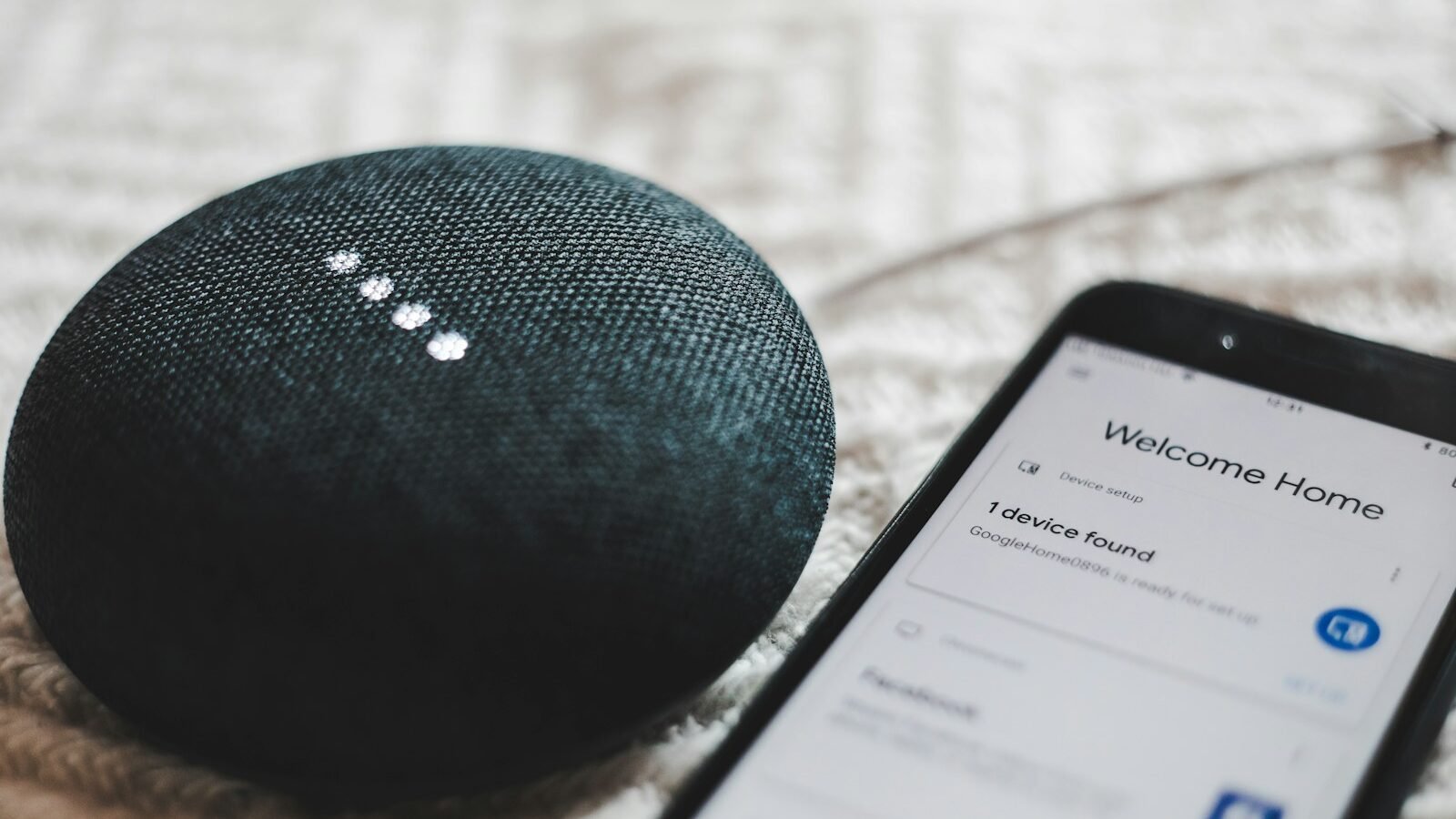
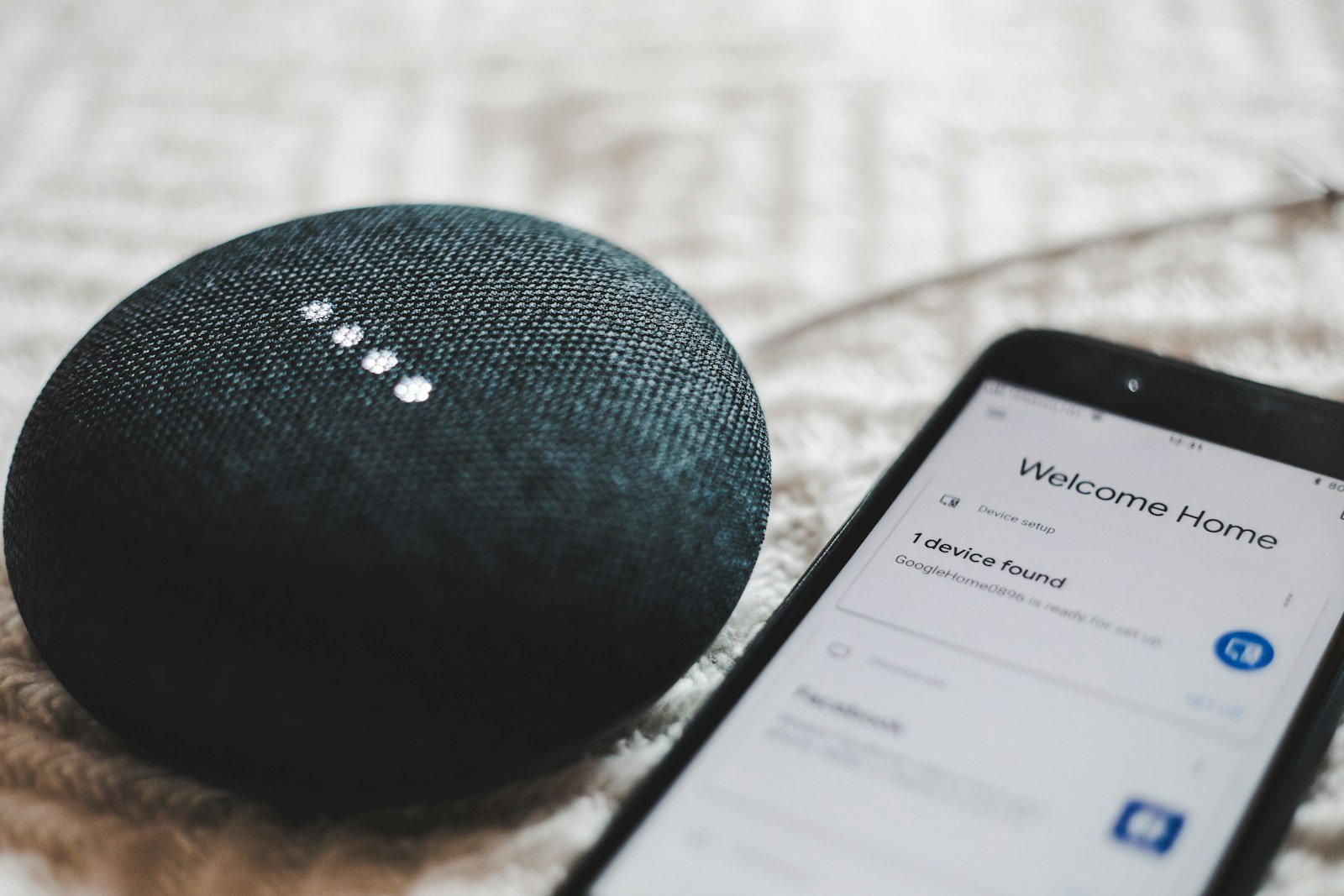
A useful smart home starts with one repeated task, not a box full of gadgets. Decide whether you want to automate a lamp, check heating from work, give a relative an easier light switch or receive a door alert. Then choose devices that can still work together if you change phone, router or voice assistant later.
Start with a use case
Write one sentence that describes the result: \u201CTurn the hall lamp on at sunset\u201D, \u201Cstop heating an empty home\u201D or \u201Ctell me if the freezer door stays open\u201D. If a device does not support that result reliably, it is not an essential just because it has an app.
- Lowest-risk first step: one smart plug for a lamp or other suitable low-load appliance, plus a schedule.
- Lighting problem: a smart bulb works well where the wall switch can stay on; a smart switch is better where people keep turning power off.
- Heating problem: check boiler compatibility before buying a thermostat. Smart radiator valves cannot replace a central control that the boiler requires.
- Security problem: start with a door contact, motion sensor or doorbell, then plan privacy and subscriptions before adding cameras.
Choose an ecosystem that will last
Alexa usually has the broadest range of affordable UK-compatible devices. Google Home is a natural fit for households already using Android and Google services. Apple Home is convenient for iPhone households and can be attractive when privacy and local control matter. The best choice is the one your household will actually open and maintain.
| Platform | Good starting point | Choose it when | Check first |
|---|---|---|---|
| Amazon Alexa | Echo speaker, smart plug and lamp | You want broad device choice and low-cost voice control | Amazon account, app permissions and household voice profiles |
| Google Home | Nest speaker, compatible plug and bulb | Your home already relies on Android or Google services | Device support in the Google Home app, not only an \u201Cassistant compatible\u201D badge |
| Apple Home | HomePod mini or Apple TV as a home hub, plus Matter devices | You prefer Apple devices and a tighter privacy model | Home hub needs, remote access and whether every device supports Apple Home |
Matter is a compatibility standard, not a guarantee that every feature appears in every app. Thread is a low-power network used by some Matter devices; it is not the same thing as Wi-Fi. Zigbee devices usually need a compatible hub. A label that says \u201Cworks with Alexa\u201D may still require a manufacturer account, cloud connection or separate hub.
The sensible starter kit
For many homes, a first setup can be one speaker or display, two smart plugs and one or two bulbs. Expect roughly £50-100 depending on the platform and whether the devices are bought singly or in a multipack. Do not buy a hub, camera, thermostat and colour lighting kit until the first routine has worked for a week.
1. One speaker or display
Place it where the household needs hands-free control, not where it only looks attractive. A kitchen speaker can run timers and a shopping list; a bedroom speaker can control a lamp. Check microphone mute controls, guest access and whether the display shows sensitive notifications.
2. Smart bulbs for the right rooms
Start with a lamp whose wall switch can stay on. Warm-white bulbs suit evening rooms; colour bulbs cost more and only help if you will use scenes. If children or visitors regularly use the switch, a smart plug or smart switch may be less frustrating than a bulb that appears \u201Cbroken\u201D when power is cut.
3. Smart plugs for ordinary appliances
Use a plug for a lamp, charger schedule or other appliance within its rating. Check the label for maximum load and whether motors, compressors, heaters or kettles are permitted. A UK 13A rating does not mean every device with a 13A plug is suitable for continuous automated switching. Never use a smart plug as a safety substitute for an appliance timer or a person present when the appliance requires supervision.
4. Heating and security only when needed
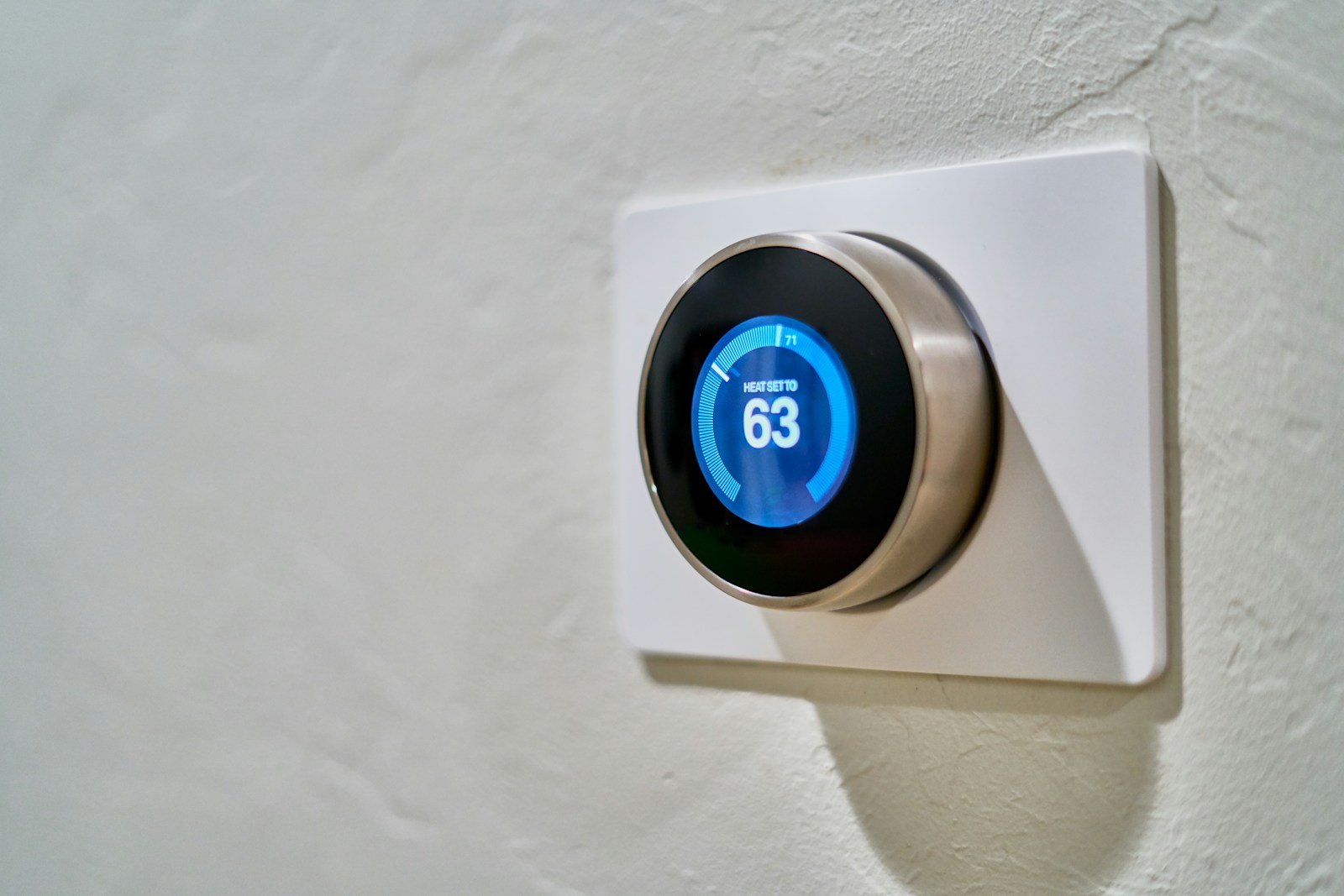
A thermostat may improve control, but savings depend on insulation, schedule, boiler settings and how the home is used. Radiator valves help room-by-room zoning only when the heating system supports it. Cameras add privacy decisions, storage costs and notifications; a contact sensor can solve a narrower problem with less data.
Wi-Fi, Matter and security
Give the smart-home devices a clear 2.4GHz Wi-Fi option where required, use a strong unique router password and update the router firmware. If a device needs a cloud account, use a unique password and two-factor authentication. Put devices on a guest or IoT network if the router makes that manageable, but check that the app can still discover them across networks.
- Create the manufacturer and platform accounts with a password manager.
- Enable two-factor authentication before adding cameras, locks or heating controls.
- Update firmware and rename each device by room and job, such as \u201CHall lamp\u201D, not \u201CBulb 3\u201D.
- Review microphone, camera, location and contact permissions on the phone.
- Set a fallback: the physical switch, manual heating control or ordinary key must still work.
For a general setup checklist, see this smart-home setup guide. The National Cyber Security Centre device-security advice is the better source for account, update and router hygiene than a product box.
A room-by-room buying plan
Hallway
One motion sensor can trigger a low-level light after dark, but avoid notifications for every movement in a busy entrance. A door contact is useful if you need to know whether a side door is open.
Living room
Start with a lamp plug and a single \u201Cmovie\u201D routine that dims suitable lights. Keep the router, voice assistant and cables ventilated; do not put networking equipment in a sealed media cabinet.
Kitchen
A speaker can run timers without touching a screen. Keep microphones away from private conversations where possible and never automate a kettle or hob in a way that assumes the room is unattended.
Bedroom
Use a warm lamp schedule or a bedside button before adding a screen. A sunrise routine can be useful, but keep an ordinary switch available if the network is down.
Boiler and radiators
Check the exact boiler model, wiring, receiver and heating zones. If the installer or manufacturer requires a professional connection, do not treat a wireless thermostat as a plug-and-play accessory.
Mistakes that make smart homes frustrating
- Buying a device because it supports a platform, then discovering its key feature needs another app or subscription.
- Using different device names such as \u201Clight\u201D, \u201Clamp\u201D and \u201Cceiling\u201D so voice routines are ambiguous.
- Automating an appliance without checking load, heat, water or moving-part safety.
- Putting every device on a crowded network and assuming a cloud service will always be available.
- Adding cameras before deciding who can view them, how long recordings are kept and what happens when guests visit.
- Replacing every bulb before testing one routine with the people who actually live in the home.
Frequently asked questions
Q1. What is the best smart home device for a beginner?
For most beginners it is one smart plug controlling a suitable lamp, or one smart bulb where the wall switch can stay on. Both demonstrate scheduling and app control without changing wiring or heating equipment.
Q2. Do I need a smart home hub?
Not for a basic Wi-Fi plug, bulb or speaker. You may need a hub for Zigbee devices, some Thread/Matter setups, local automations or a larger network where battery devices should not rely on Wi-Fi.
Q3. Is Matter worth looking for in 2026?
It is useful when you want the option to move a compatible device between Alexa, Google Home and Apple Home. Confirm the feature you need, the required Thread border router or hub and the manufacturer’s update policy before paying extra.
Q4. Will a smart thermostat definitely save money?
No. It can make schedules and zoning easier, but savings depend on the boiler, insulation, set temperatures, weather and household habits. Check compatibility first and do not buy it solely on a promised percentage.
Final Thoughts
Build the first routine around a real inconvenience, secure the accounts and keep a manual fallback. Once one small automation has proved reliable, add the next device only when it solves a different problem. Our smart storage furniture guide is a useful companion for hiding chargers, hubs and cables without blocking ventilation.


2 thoughts on “Smart Home Essentials for Beginners: A Sensible UK Starter Guide for 2026”